Resources & Assistance
50 Free Websites That Can Save You Money and Time
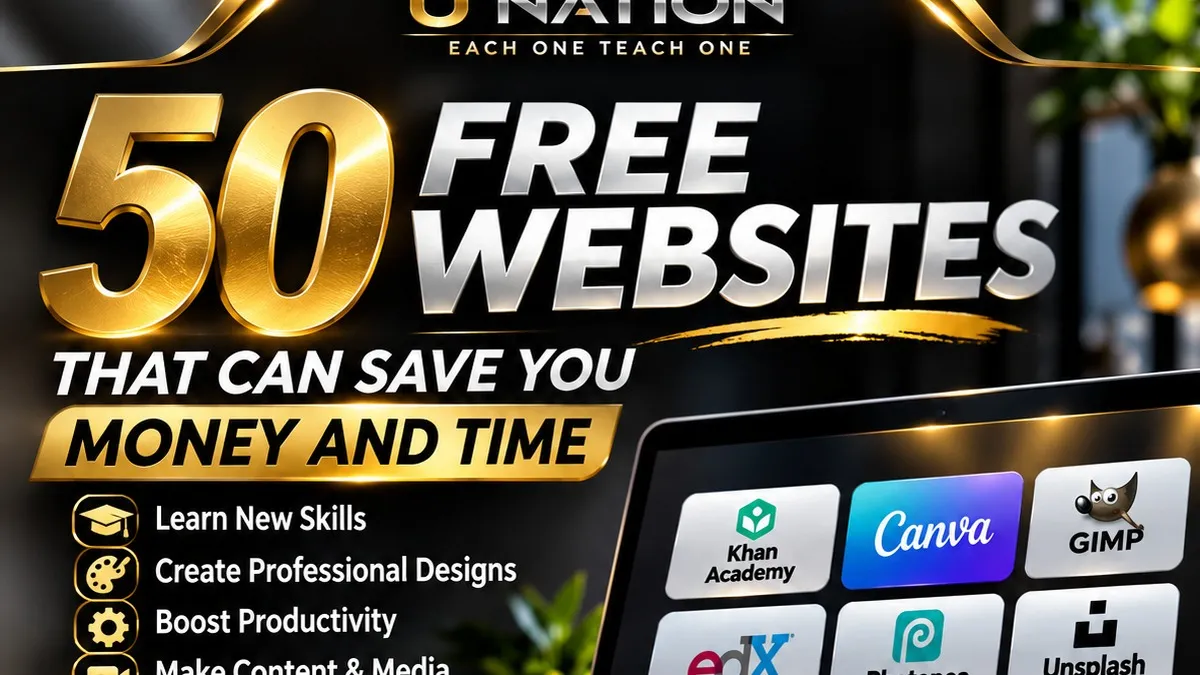
Every day, people pay for software, courses, graphic design and document tools they may be able to use for free. Some entrepreneurs carry monthly subscriptions they barely open. Students buy expensive programs for a single assignment. Small-business owners pay someone else for tasks they could learn to handle themselves.
The difference is usually not money. It is knowing where to look.
There are reputable websites that can help you learn new skills, create professional graphics, edit documents, plan projects and protect your information. Some are completely free. Others offer a free version with limits. At U Nation our mission is simple: Each One Teach One. That means sharing practical information that makes everyday life easier. Below, we have organized well-known tools into categories so you can find the ones that fit your personal, educational or business needs.
1. Free websites for education and research
Learning a valuable skill does not always require an expensive course. Whether you are strengthening math skills, studying technology or exploring a new subject, these websites are solid starting points.
Khan Academy
A nonprofit offering free lessons in subjects such as math, economics, science and computing. Useful for students, parents and adults rebuilding foundational skills.
Official website: khanacademy.orgedX
Online courses from universities and other institutions. Many courses can be audited without paying, but free access is often limited in time and usually excludes graded work and certificates. Check the specific course before you enroll.
Official website: edx.orgProject Gutenberg
A large library of free eBooks, mostly older works that are in the public domain in the United States. A good source for classic literature and historical texts.
Official website: gutenberg.orgInternet Archive
A digital library of books, audio, video and archived web pages. Its Wayback Machine shows how websites looked in the past, which is helpful for research. Some items have restricted access, and copyright rules still apply.
Official website: archive.orgfreeCodeCamp
A nonprofit with free programming lessons and structured learning paths. A practical place for beginners to learn how websites and apps are built.
Official website: freecodecamp.orgWhat you can learn
Before paying for a training program, look at what is already available for free and decide whether it covers what you need. Sometimes it will; sometimes a paid program is worth it. Either way, you are choosing on purpose.
2. Free and low-cost graphic design resources
Professional-looking visuals matter for business owners and creators. You do not necessarily need expensive software to get started.
Photopea
A browser-based image editor that handles many common photo-editing tasks and can open layered design files. The free version is supported by ads.
Official website: photopea.comCanva
Design tools for social posts, presentations, flyers and more. There is a free plan, but some templates, images and advanced features require a paid plan.
Official website: canva.comGIMP
Free, open-source image-editing software you install on your computer, used for photo retouching, graphic design and detailed image work.
Official website: gimp.orgInkscape
A free, open-source vector graphics editor for logos, illustrations and diagrams that need to scale to any size without losing quality.
Official website: inkscape.orgUnsplash
Photographs you can use in many personal and commercial projects under the Unsplash License. Some images belong to a paid collection with different terms, so review the licence shown on each photo before using it.
Official website: unsplash.comA hypothetical example
Imagine you are opening a small cleaning business and need a flyer, a few social posts and some clean graphics. Instead of buying several subscriptions on day one, you could try Canva’s free tools, use properly licensed photos and touch up images in Photopea or GIMP.
How much you save depends on what you would otherwise have bought. The goal is not to avoid every paid service. It is to use your resources wisely.
3. Websites that help with productivity
Running a business or a household means handling documents, images and information. These tools can make that work simpler.
iLovePDF
Tools to merge, split, compress and convert PDF files. Some features have usage limits or need a paid plan.
Official website: ilovepdf.comSmallpdf
PDF conversion and editing tools. The free version has usage limits, so check them before relying on it for frequent work.
Official website: smallpdf.comExcalidraw
A free online whiteboard for sketching ideas, diagrams and workflows. Handy for mapping out a business process or a project plan.
Official website: excalidraw.comdraw.io (also known as diagrams.net)
Free tools for flowcharts, organization charts and other diagrams, usable in the browser or as a desktop app.
Official website: drawio.comHemingway Editor
Highlights long, complicated sentences so your writing is easier to read. The web editor is free; some features are part of paid versions.
Official website: hemingwayapp.comWhy productivity matters
Saving time can be just as valuable as saving money. A business owner who learns to organize documents, communicate clearly and build simple workflows can cut down on unnecessary admin work. These tools will not make a business successful on their own, but they support better organization and clearer decisions.
4. Websites for content creators
Video, audio, photos and graphics are how many businesses reach customers today. Several capable creative tools cost nothing.
OBS Studio
Free, open-source software for recording video and live streaming.
Official website: obsproject.comAudacity
Free, open-source audio recording and editing software for voice recordings, podcasts and other audio projects.
Official website: audacityteam.orgHandBrake
A free, open-source video transcoder that converts video files into other formats and sizes.
Official website: handbrake.frPexels
Free stock photos and videos. Read the Pexels license before using material commercially; some uses, such as reselling unaltered copies, are not allowed.
Official website: pexels.comGoogle Fonts
A library of free fonts for websites, documents and marketing materials. Most are released under open-source licences; check the licence for each font you use.
Official website: fonts.google.com5. Free resources for online safety
Saving money online should never come at the cost of your security. Before using an unfamiliar website, take a moment to understand how it handles your information.
Have I Been Pwned
Checks whether an email address appears in known data breaches. A match does not mean someone is in your account right now, but it is a good reason to change that password and turn on two-step verification.
Official website: haveibeenpwned.comVirusTotal
Scans files and web addresses with many security engines at once. Files you upload can be shared with security researchers, so never upload private documents, financial records or anything containing personal information.
Official website: virustotal.comSpeedtest
Measures your internet connection speed. Results vary with network conditions, your device and the test server chosen.
Official website: speedtest.netWatch out for misleading "free" offers
Not every website advertising free services is trustworthy. Before registering, downloading software or entering payment details, make sure you are on the provider’s official website and read its terms, privacy policy and pricing.
Be especially careful when a "free" tool asks for sensitive personal or financial information without a clear reason, or asks for a card number to start a trial you did not plan to pay for.
6. More tools worth exploring
The full U Nation guide includes more resources for research, design, productivity and software development. Several of these run on a "freemium" model, meaning the free version has limits.
AlternativeTo
Find free and paid alternatives to software you already use.
Official website: alternativeto.netOpen Culture
A curated collection of free educational media, courses and eBooks.
Official website: openculture.comWolframAlpha
Answers math and data questions with step-by-step computation; some features are paid.
Official website: wolframalpha.comremove.bg
Remove image backgrounds; free downloads are limited in size and number.
Official website: remove.bgWeTransfer
Send large files; the free plan has size and transfer limits.
Official website: wetransfer.comReplit
Build and run code in the browser; review current plans, as free features are limited.
Official website: replit.comZotero
A free, open-source tool to collect, organize and cite research sources.
Official website: zotero.org7. How to choose the right website, step by step
With so many options, it is easy to waste an afternoon trying dozens of tools. Start with the problem, not the tool.
- 1
Step 1: Identify your goal
Are you trying to learn something, create content, organize paperwork or protect your information? Write it down in one sentence.
- 2
Step 2: Pick one tool that matches
Use the categories in this article and in the free guide to narrow it down to one or two candidates.
- 3
Step 3: Check what the free version includes
Look at the official pricing page. Confirm the feature you need is actually free, and note any daily, monthly or file-size limits.
- 4
Step 4: Review privacy and licensing
Read how the service treats your data, and never assume free photos, fonts or files can be used or redistributed without restrictions.
- 5
Step 5: Try it before you upgrade
Use the free version on a real task first. Only pay if the free version genuinely falls short.
- 6
Step 6: Keep a list of what works
Save your favorite tools in one place so you can return to them without searching again.
8. What you can learn from this guide
Financial education is not only about how much you earn. It is also about understanding how resources work, judging opportunities carefully and avoiding expenses you do not need. Knowledge helps you recognize when a free tool is enough and when paying a professional makes sense. A website will not replace experience, judgment or hard work, but it can be a starting point.
- Where to find reputable free websites for learning, design, productivity, content creation and online safety.
- How "free", "free plan" and "freemium" differ, and why limits matter before you depend on a tool.
- Why licences matter when you use photos, fonts or media in a business.
- Simple habits for checking a website’s privacy, terms and pricing before you sign up.
- A repeatable six-step process for choosing the right tool for a specific job.
Final thoughts
The internet can be a powerful classroom when you know where to look. From free courses to design software, productivity tools and security checks, there are many ways to learn and create without paying for expensive services right away.
What matters is choosing legitimate tools, understanding their limits and using them responsibly. Explore, compare your options and keep learning. When you find something useful, share it with someone else.
U Nation. Each One Teach One.
This article is general educational information only. U Nation and Dominic Nicholson are not affiliated with or endorsed by the third-party websites mentioned unless expressly stated, and receive nothing for mentioning them. Features, pricing, free-plan limits, licences and availability can change at any time; check each website directly before relying on it. No specific financial or business outcome is guaranteed.